Step 1
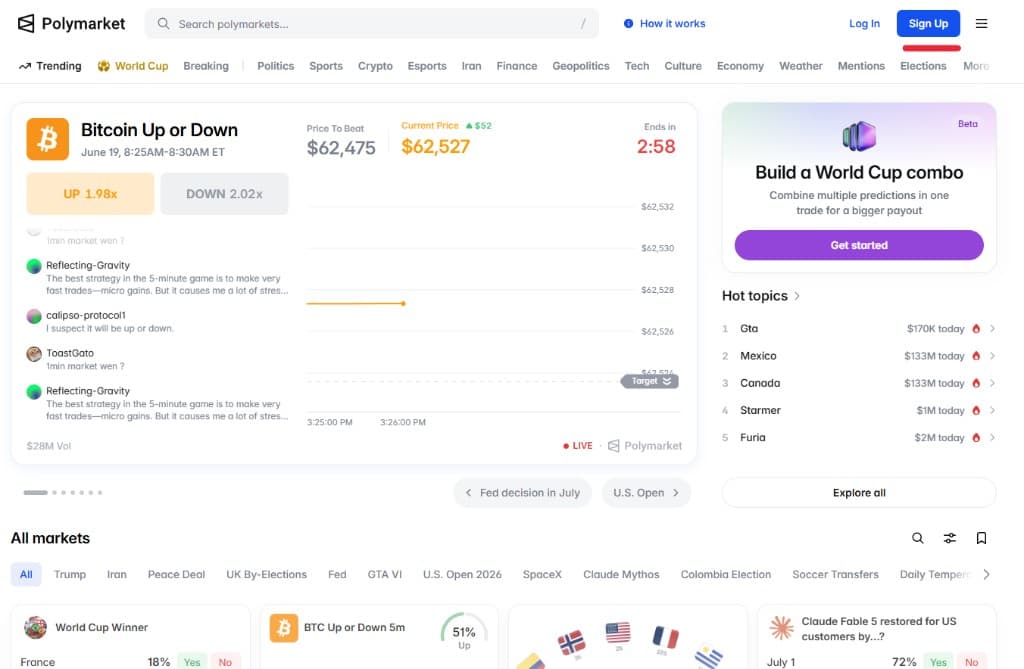
Open Polymarket and click Sign up
Start at polymarket.com. Click Sign Upin the top-right corner. This takes you into Polymarket's account setup so you can create a profile before funding and trading.
Step 2
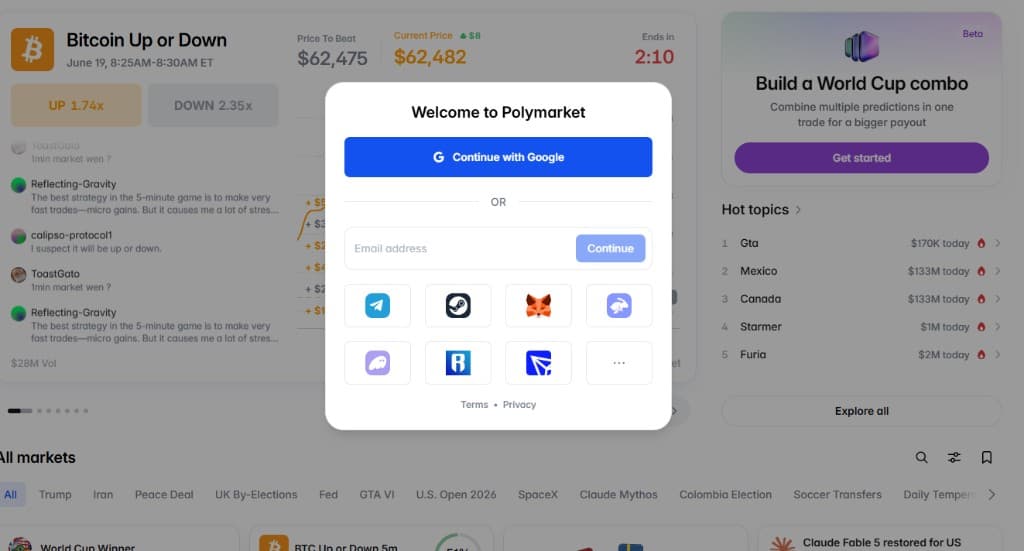
Create your account
Choose the sign-up method that fits you best. Polymarket supports common options such as Google, email, popular social accounts, and Web3 wallets. Use an account you can reliably access, because it will be tied to your trading activity and funds.
Step 3
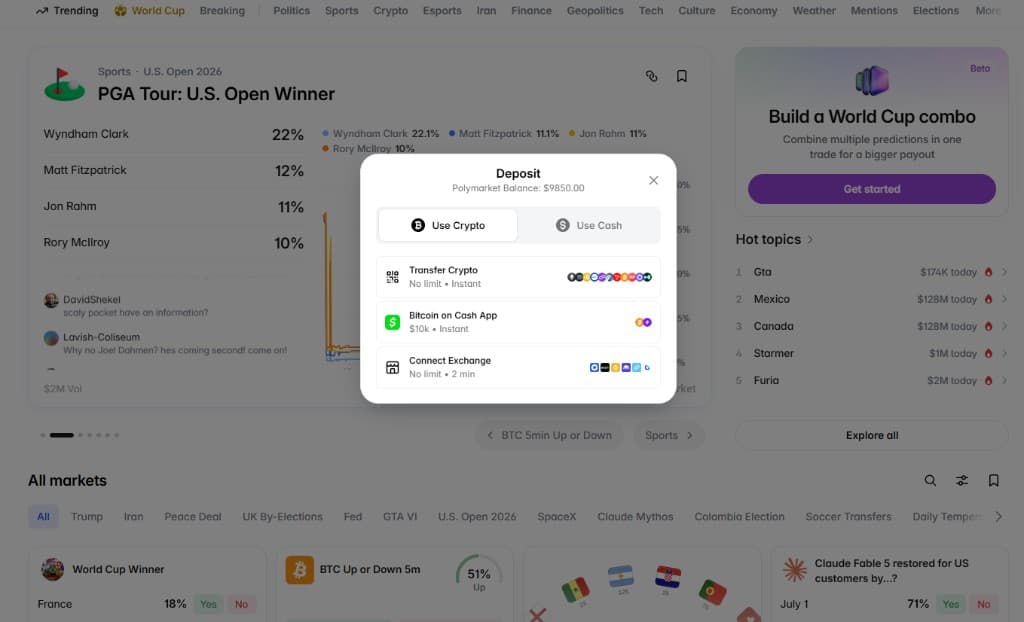
Open Deposit, enable funds, and approve auto-redeem
Once your account is created, click Deposit. Follow the prompts to enable funds and approve auto-redeem if Polymarket asks for it. These approvals help your account handle trading and settlement smoothly.
Step 4
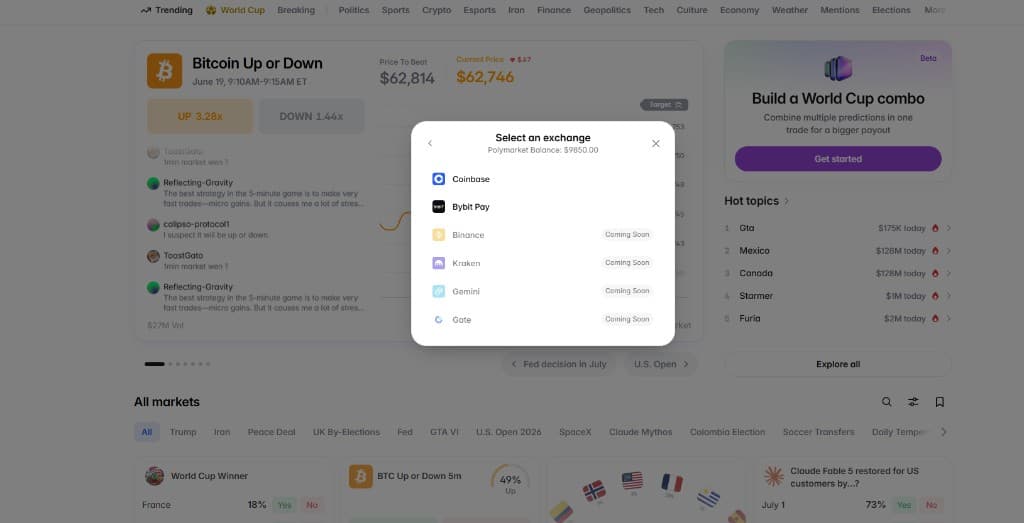
Choose your preferred deposit method
Pick the deposit route you prefer. Depending on your region and account, this can include crypto, cash, exchange transfers, Coinbase, Bybit Pay, or other available methods. Review fees, processing time, and network details before sending funds.
Ready to open Polymarket?
This outbound link includes the disclosed via=laxo referral parameter.
Step 5
You're good to go. Find high-probability Polymarkets on 99market.
After your account is funded, come back to 99.market and review the feed. 99market highlights active Polymarket opportunities where the favored outcome trades between 98c and 99.5c, filters out low-volume markets, and shows annualized return so you can compare short-dated setups faster.
Open 99market feedDeposit checklist before you send funds
Check eligibility. International and U.S. access paths can differ. Confirm the product shown to your account and never bypass a geographic restriction.
Use the displayed route. Copy the deposit address and network from your own account. Supported assets and funding providers can change.
Test first. Send a small amount, wait for credit, then send the remainder. Include provider, network and conversion fees in your budget.
Polymarket assigns a deposit address to the account and provides a recovery tool for some wrong-network transfers, but recovery is not guaranteed. Follow the current official deposit instructions rather than relying only on screenshots.
Final notes before you trade
Check liquidity and volume before entering. A market can show an attractive price but still be hard to trade if the order book is thin.
Read the resolution criteria on Polymarket. The exact wording decides how the market settles, especially for short-term crypto, sports, politics, and weather markets.
Treat 98c+ markets as high probability, not guaranteed. The strategy is about comparing risk, time, and payout, not removing risk entirely.
New to venue selection? Compare prediction market apps and review location eligibility before funding.